


 Italiano
 Français
 Deutsch
 Español
 Português
 Svenska
 Suomi
Suomi
The Best Apps for Identifying Trees
PlantNet, iNaturalist, Seek, and more: a practical and honest guide
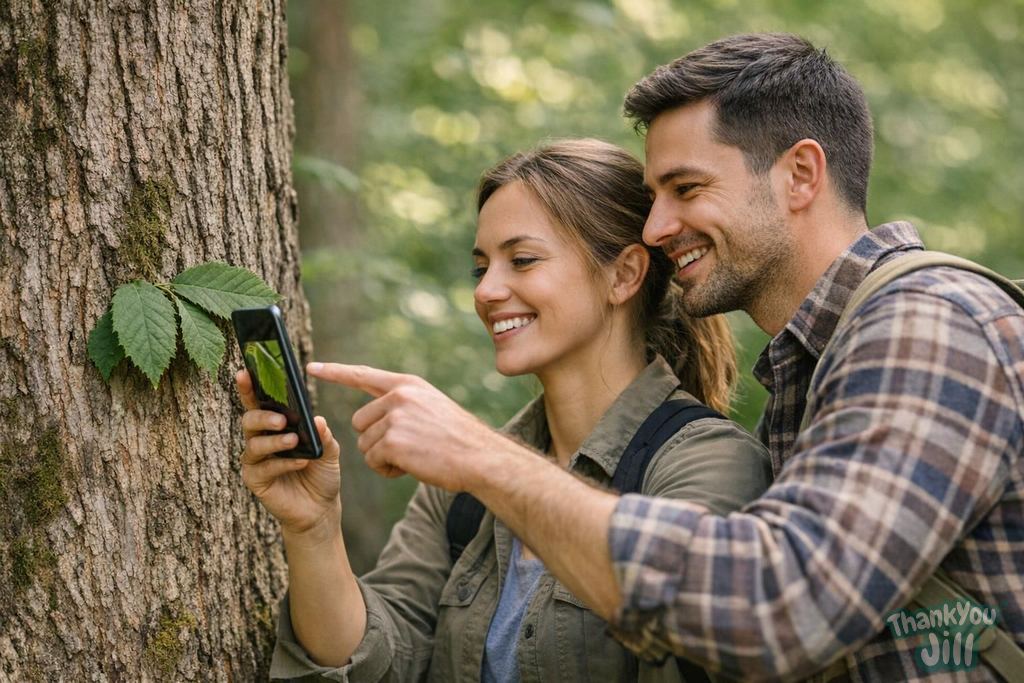
Ten years ago, identifying a tree without being a botanist meant carrying around a heavy field guide, understanding dichotomous keys, and hoping you had good light to see the details. Today, the phone in your pocket is a more powerful botanical identification tool than any book. But not all apps are created equal, and some marketing claims are overblown. Here's an honest guide.
PlantNet: the free scientific standard
PlantNet (developed by Cirad, Inria, and other French research institutes) is the world's most widely used plant identification app, with over 20 million users. It works using machine learning trained on a database of over 300,000 species, continuously fed by user contributions. How it works: you photograph a plant part (leaf, flower, fruit, bark, overall form), select the organ type in the app, and the algorithm suggests the 5-10 most likely species with a confidence score. Accuracy for common Italian trees: very high (80-95%) for well-photographed leaves against a neutral background. Lower for bark and overall form (60-75%). The app works best when you photograph a single organ at a time against a neutral background (white paper). Main limitation: the algorithm sometimes confuses very similar species (English oak vs sessile oak, for example). Experts recommend always taking 2-3 photos of different organs and comparing results. Cost: free, with no intrusive ads. It's an open-access scientific project.
iNaturalist and Seek: the nature network
iNaturalist (California Academy of Sciences + National Geographic) is much more than an identification app: it's a citizen science platform where user observations contribute to scientific databases used by researchers worldwide. It works for all living organisms (not just plants): animals, fungi, lichens, insects. Observations can be verified by community experts, making them reliable scientific data. Seek is the simpler, child-friendly version of iNaturalist: it works in real-time (point and identify without photographing), has a challenge and achievement system that makes it engaging for kids. Accuracy: similar to PlantNet for common species. Strength: the community of experts who verify questionable identifications. Cost: free.
Flora Incognita: the European rival
Flora Incognita (University of Jena, Germany) is an identification app developed specifically for European flora with very high accuracy for continental species, superior to PlantNet for some typically European species. It uses advanced deep learning methods and stands out for the quality of the species description sheets. Cost: free base version, advanced features available through subscription (approximately 10 euros annually).
Il Dendrologo (Italian app)
For those wanting something specifically Italian, there's Il Dendrologo, a small Italian app dedicated to trees of the peninsula with detailed Italian descriptions, identification keys, and quality photographs. Less powerful than the previous apps for automatic identification, but with very well-structured educational content for those wanting to dive deeper. Ideal as a complement to PlantNet for detailed Italian-language information about identified species.
How to use identification apps critically
Plant identification apps are extraordinary tools but not infallible. Some rules for using them well: never trust a single identification to decide if something is edible — apps make mistakes, especially with similar and toxic species. Always photograph multiple organs separately: leaf, bark, fruit if available. Compare results from at least two different apps. Use the iNaturalist community for questionable identifications: experts usually respond within 24-48 hours. Think of apps as a starting point, not a definitive answer: use them to learn names and then verify in books or with knowledgeable people.

Technology doesn't replace knowledge — it starts it. An app can tell you that you're looking at a beech tree. But the pleasure of recognizing it yourself, without looking at your phone, is something no algorithm can give you.
Practical tips for photographing trees and getting the best identifications
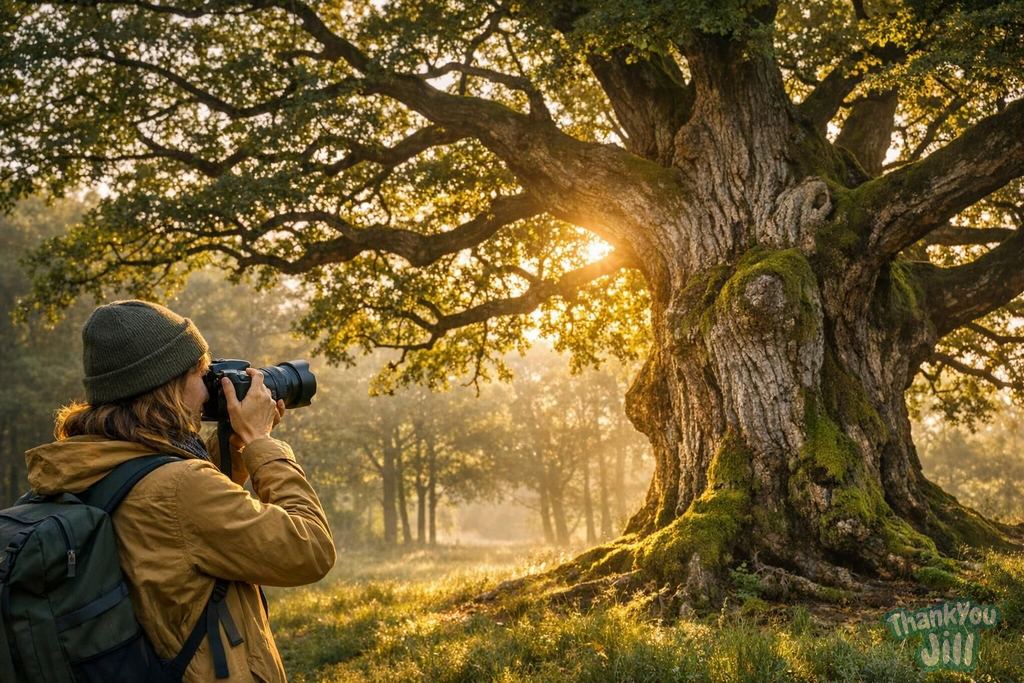
- Photograph against a neutral background: the best technique for leaves is to collect them from the ground, place them on white paper, and photograph from above with good natural light (not direct sun). A neutral background eliminates visual distractions and greatly increases identification accuracy.
- One photo per organ: don't photograph leaf + bark + fruit in the same image hoping the app will process them all. Take a separate photo for each organ: first the leaf (upper surface), then the leaf (lower surface), then the bark, then possibly the fruits. Results will be much more precise.
- Good lighting, without flash: flash distorts colors and creates reflections that confuse the algorithm. Use natural light, preferably in shade or on a cloudy day.
- Photograph the details: many species are distinguished by very small characteristics: hairs on veins, the shape of the petiole base, glands at leaf margins. For these details, use your phone's macro mode and get within 5-10 cm of the leaf.
- Share on iNaturalist: every observation you share on iNaturalist contributes to real scientific data. If you're in an area of natural interest (national park, nature reserve), your observations can help researchers monitor biodiversity. It's real citizen science, not just a game.
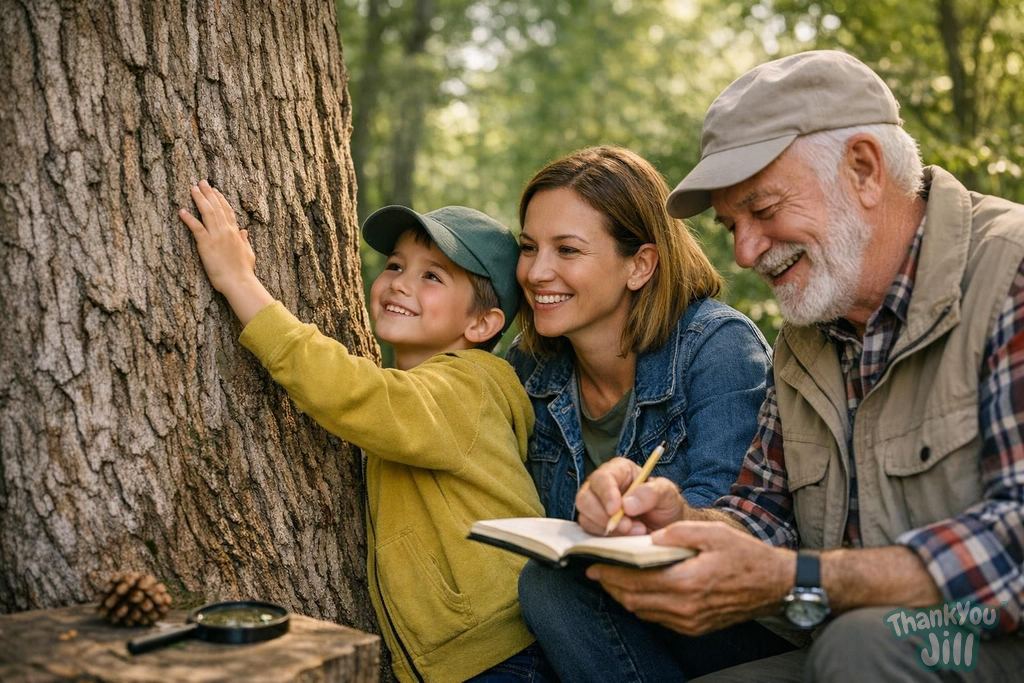
- With kids: the 10-plant challenge: challenge children to identify 10 different plants on an outing with Seek. The app gamifies the experience with badges and points. Many kids start at home, photographing plants in the garden or on the balcony. It's a great starting point.
PlantNet, iNaturalist, and Seek are free, scientifically grounded, and available to everyone. There's no excuse anymore for not knowing the name of the tree you're sitting under for lunch. Download, photograph, discover. The forest awaits with its infinite vocabulary.
Frequently Asked Questions
What's the best method for photographing leaves and getting accurate identification with PlantNet?
For good identification with PlantNet, photograph leaves against a neutral background like white paper, with natural light and no flash. Take separate photos for each plant organ and use macro mode to capture details like hairs or glands.
When is it better to use iNaturalist instead of PlantNet to identify a tree?
iNaturalist is preferable when you want expert verification of identifications or wish to contribute scientific data. The community of experts can confirm or correct species, making results more reliable, especially for difficult or uncommon species.
What are the main limitations of tree identification apps like PlantNet and Flora Incognita?
Apps can confuse very similar species, especially if photos aren't high quality or don't show different organs. Also, identification is less accurate for bark and overall form compared to leaves, and no app guarantees safety for food or medicinal use.
How can you use tree identification apps critically to avoid mistakes?
Use multiple apps to compare results, photograph different plant organs separately, and don't rely on a single identification for important decisions. Consult experts or reliable sources to confirm toxic or edible species.
Latest News
Comments
No comments yet. Be the first!
Leave a comment